Highway Miles Launches "Scan to Route," Turning Trucking Paperwork Into a Multi-Stop Route in Seconds
FOR IMMEDIATE RELEASE — November 20, 2026
New feature in the free Highway Miles truck GPS app reads bills of lading, manifests and load paperwork — by photo, image, PDF or pasted text — and builds the route automatically
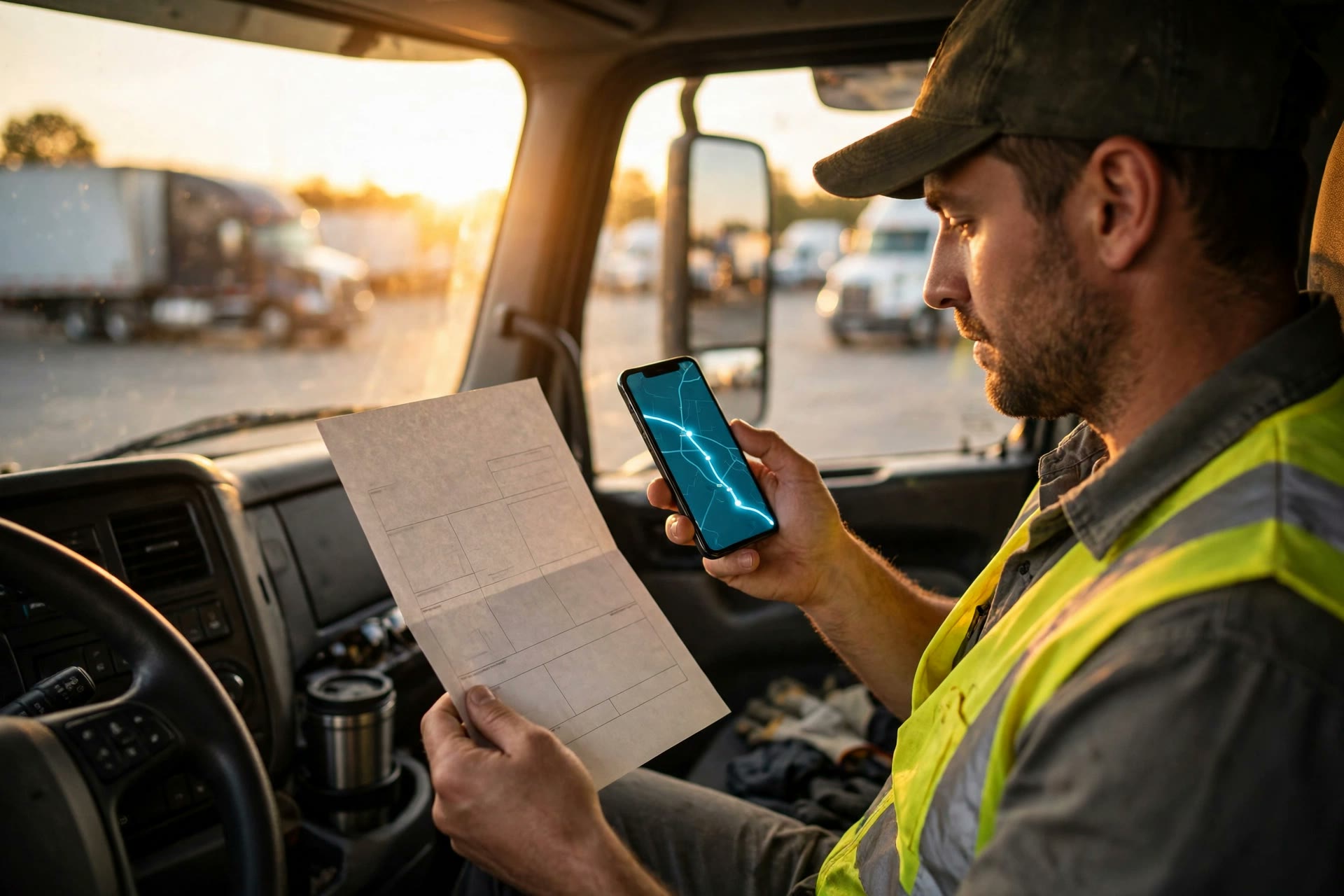
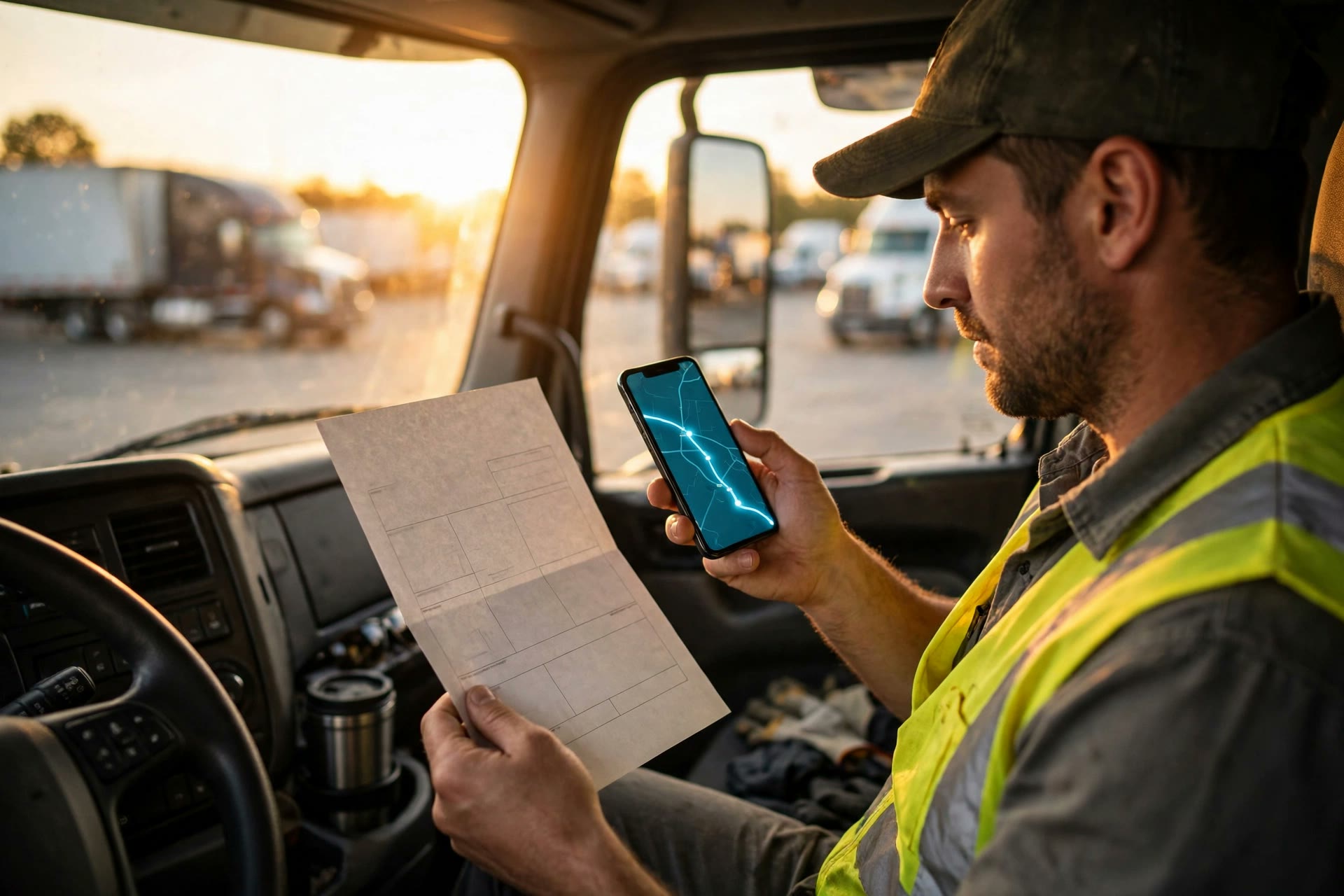
DENTON, Texas — Nov. 20, 2026 — Highway Miles today announced Scan to Route, a new feature in its free truck GPS navigation app that turns load paperwork into a planned multi-stop route. Instead of typing every pickup and delivery address by hand, drivers tap the camera icon in the app, scan their bill of lading or manifest, verify the stops the app reads from the document, and tap Route — and Highway Miles builds the multi-stop truck route for them.
For drivers running multi-stop loads, the paperwork is only half the job. A single load can mean a stack of documents and ten or more stops — and every one of those addresses has traditionally been typed into a GPS by hand, one at a time, often while sitting at a dock or in the cab before the wheels ever turn. It is unpaid time, it is tedious, and one mistyped digit can send a truck miles out of route — or to an address a 53-foot trailer should never try to reach.
Scan to Route was built for exactly that stack of paperwork. Drivers can add multiple documents for a single load — several bills of lading, a manifest, delivery paperwork — by photo, image, PDF or pasted text. Highway Miles reads the documents, pulls the stops into a single list, and lets the driver review and verify every address before routing. One tap on Route then builds the complete multi-stop route around the driver's truck profile — height, weight, length and axles — so the route is planned for the truck, not for a car.
What used to be a long session of typing, checking and re-checking becomes a scan, a quick verify, and a route: minutes of busywork replaced by a few taps, fewer address errors, and the driver rolling sooner on a route they have already proofread.
"Every driver knows the routine: get the paperwork, then sit and type address after address into your GPS before you can roll," said Robert Phillips, co-founder of Highway Miles. "Scan to Route takes that busywork off the driver's plate. Scan it, check the stops, tap Route, and drive. Less typing. More driving."
How Scan to Route works
1. Tap the camera at the far right of the search bar
2. Add your paperwork — take a photo, choose photos, choose a PDF, or paste text from a bill of lading, manifest or other load paperwork
3. Review the stops the app extracted from your documents
4. Verify every address
5. Tap Route — Highway Miles builds the multi-stop route around your truck profile
▶ Watch Scan to Route in action: https://www.youtube.com/watch?v=Y-L5i45OgSk
Scan to Route is available now in the Highway Miles app for iPhone and Android. The app is free, with an optional upgrade ($5.99/month) that removes ads. Routes are planned around each driver's truck profile — height, weight, length and axles — with multi-stop planning, weather and traffic built in. Through Highway Miles' partnership with Drivers 1st, drivers can also browse and apply for CDL-A jobs inside the app, with free recruiter support.
About Highway Miles
Highway Miles is a free truck GPS navigation app for iPhone and Android, built for CDL drivers. Features include truck-specific routing by vehicle profile, multi-stop route planning, Scan to Route paperwork scanning, in-app Google Street View, live weather and traffic, and in-app CDL-A job search through its partnership with Drivers 1st. Learn more and download free at highwaymiles.net.