LESS TYPING. MORE DRIVING.
From paper
to your next stop.
Turn a photo, screenshot, or address list into a route
you can send straight to Highway Miles.
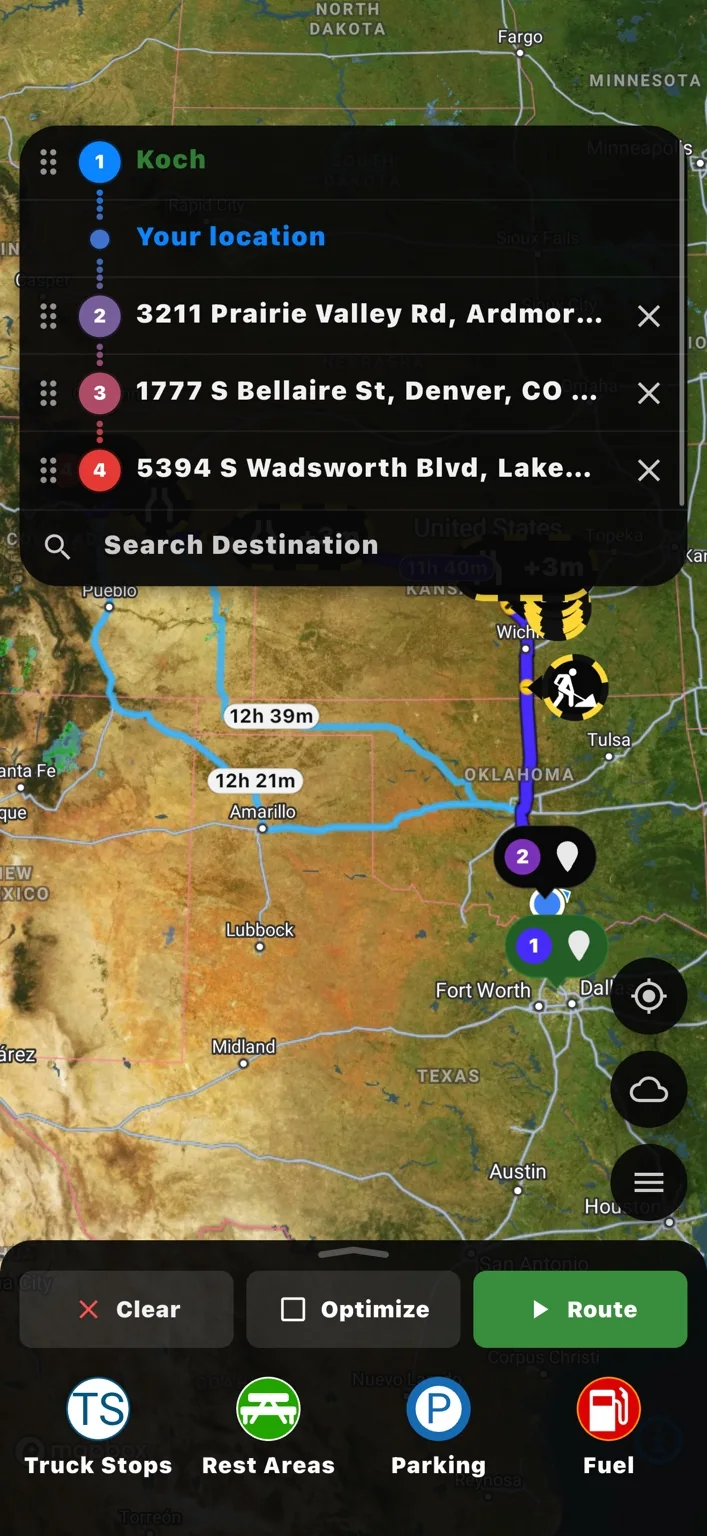
01 / CAPTURE
Start with your stop list
A load sheet. A screenshot.
Even a photo of the screen.
Add several BOL photos or screenshots to one batch.
Or drop images here · JPG, PNG, WebP or PDF · Up to 25 MB each. PDFs can have up to 50 pages.
Best for US and Canadian addresses. Coordinates can be entered as latitude, longitude.
Your images are read on this device.
Photos and addresses entered here stay in your browser and are not stored by Highway Miles. Reader files load from this site when needed. PDFs and images stay on your device.
02 / REVIEW
Your stops, in order
Check every address against the original. Remove billing or carrier addresses that are not stops. Use the arrows to change the visit order.
Your route starts here
Add your BOL photos or paste addresses.
Combine them into one editable stop list.
03 / SEND
Put the route in their hands
Dispatcher sharing destination (optional)
Pre-fill where the driver can share their live trip later. This is the dispatcher’s contact, not the recipient of the route message.
Add and review your stops to create a route link.
Live tracking starts only after the driver shares the route from Highway Miles.
Turn delivery documents into a reviewed stop list
Scan to Route reads addresses from bills of lading, load sheets, screenshots, or pasted text. Review the extracted stops, remove billing addresses that are not destinations, and choose the visit order before creating a link for Highway Miles. Continue with truck-profile route planning in the app.
Which documents work best?
Use clear JPG, PNG, or WebP images with printed English addresses. US and Canadian addresses work best. Upload a PDF up to 25 MB and 50 pages. The reader checks for embedded text and scans pages with insufficient text. Check every result; handwriting, blur, and multi-column forms may need corrections.
What happens to my document and route?
Image reading runs on your device. Refreshing clears this browser session. A generated route link contains the stops you chose, so share it only with the intended recipient. Reading an address does not verify truck access, entrances, or route suitability.
Keep the driver in control. Address reading does not verify truck access or entrances. Review while parked.