Why Highway Miles Is One of the Best GPS Navigation Apps for 2026
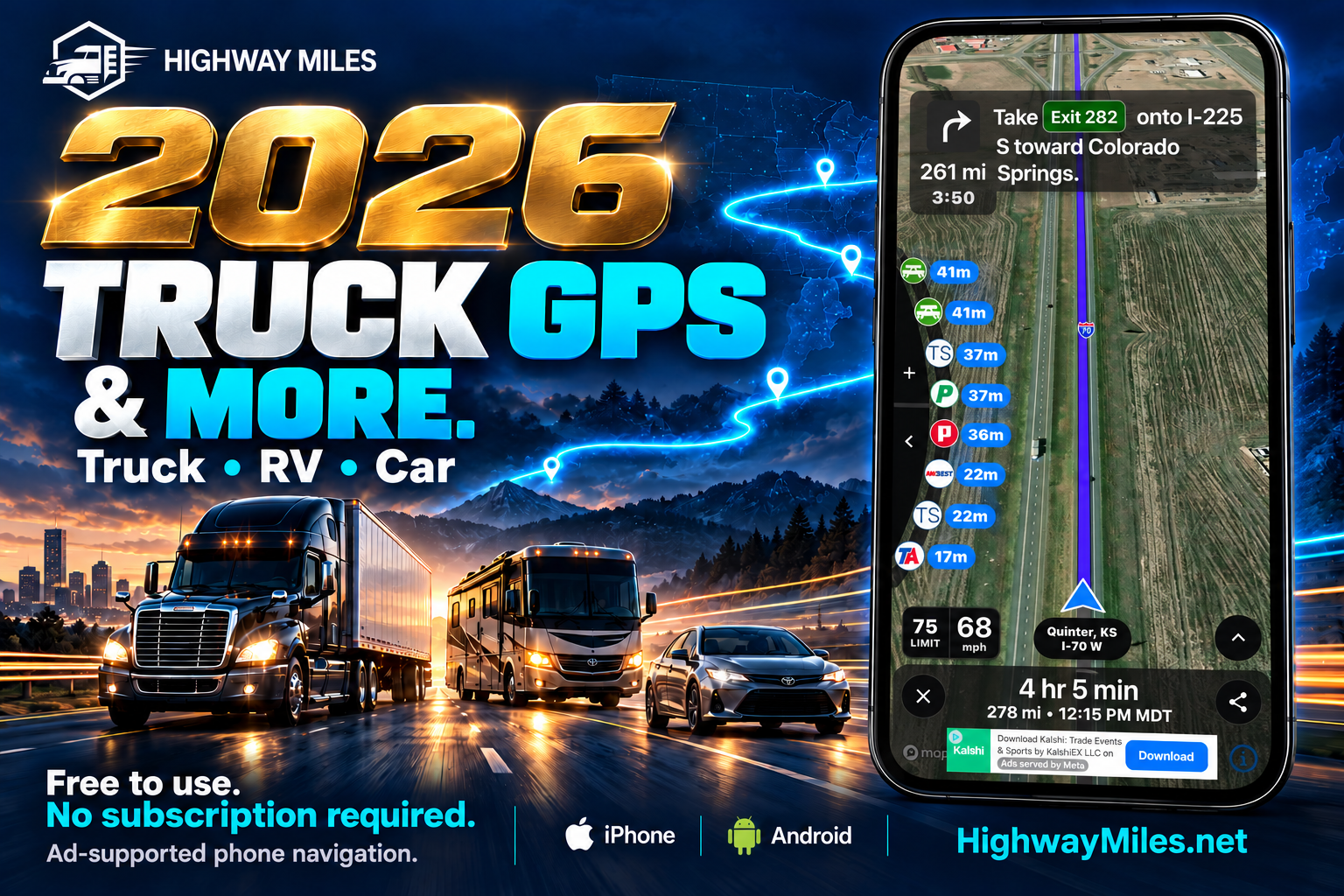
Truck GPS, RV mode, car mode, weather, route planning and Google Street View in one app.
Highway Miles truck, RV and car navigation. Promotional illustration with a truck-navigation example.
A navigation app earns its place on your phone by helping with the decisions that come before the next turn.
For a truck driver, that might mean checking the route against the truck’s dimensions, adding another delivery and finding a fuel stop. For an RV owner, it might mean checking the approach to a campground before arriving with a motorhome or trailer. On a day off, it might simply mean getting around in your car.
Highway Miles brings those needs into one app, with truck mode, RV mode and car mode, plus tools for planning stops, checking weather and understanding the destination.
That combination is why we believe Highway Miles deserves a place among the best GPS navigation apps for 2026, especially for drivers who want commercial truck navigation and the flexibility to use the same app beyond the workday.
Truck, RV and car modes: choose the vehicle you are actually driving
A tractor-trailer, a motorhome and a passenger car have different routing needs. Highway Miles gives you a mode for each.
Truck mode: Use it for commercial truck trips. Review truck dimensions, weight, axles, trailer configuration, cargo and applicable supported hazmat settings.
RV mode: Use it for motorhome and RV towing trips. Check your actual travel configuration and the dimensions and weight requested by the RV profile.
Car mode: Select it for everyday passenger-car trips, rather than leaving a truck or RV profile active.
For professional drivers, truck-profile routing provides the foundation. Highway Miles uses the vehicle details you enter to inform the proposed route, with available restriction and low-clearance information. Turn-by-turn voice guidance and lane guidance support the trip once you begin navigating.
For RV owners, RV mode brings vehicle-profile planning to travel days. Enter the rig’s actual overall height, including rooftop air-conditioning units and other equipment. Check length and weight for your travel configuration, including your towing setup where relevant.
Car mode adds everyday usefulness. You can use the same app when the work truck is parked or the RV is at the campground. The benefit is familiarity with one navigation app across different kinds of trips.
Always select the correct mode and review the profile before calculating a route. A route prepared for your car should never be treated as a route prepared for your truck or RV. Read our guide to choosing truck, RV or car mode.
Free navigation makes the feature set worth a closer look
Highway Miles’ free, ad-supported phone plan includes the released phone navigation features. You can use truck-profile routing, unlimited-stop planning, voice guidance, weather radar, available traffic information, Low Bridge Awareness and the other included phone tools without a required navigation subscription.
That gives drivers a practical way to evaluate the app: download it, enter the right vehicle profile and plan a familiar trip while parked.
Drivers who prefer an experience without in-app advertising can choose the optional $5.99-per-month Ad-Free plan. The paid phone plan removes ads; it is not required to unlock additional stops or the released phone navigation features.
Free to use. No subscription required for phone navigation. That matters because the app can become part of your routine before you commit to an optional subscription.
Plan the whole day with unlimited stops
A delivery day rarely consists of one uninterrupted drive. An RV travel day can involve fuel, a lunch stop and an overnight destination.
Highway Miles’ multi-stop route planner lets you add unlimited stops, rearrange them and use route optimization. You can build the trip around the places you actually need to visit.
There is also room for your own route preferences. Route Through Here lets you include a selected point in the plan, while Avoid Route helps you request an alternative around a location. Review the result before setting off.
The value is control over the trip. You still need to account for delivery appointments, pickup order, driving hours and access instructions; optimization does not make those decisions for you.
Use the Look Ahead Wheel to plan your next stop
The next useful stop is part of navigation, too.
Highway Miles’ Look Ahead Wheel lets you browse upcoming points of interest with distance or ETA information. Depending on the categories you select, that can include truck stops, fuel, rest areas, parking, weigh stations, truck washes, scales and repair facilities.
Instead of finding a place and then working out how it relates to your trip, you can review upcoming services in the context of the route. Inspect a stop and add it when it fits your plan.
Our video and written tutorial show the wheel and stop-planning controls in action. Parking listings and listed capacity do not establish that empty spaces are available right now.
See weather along the route and at your stops
A forecast for your current location only tells part of the travel-day story.
Highway Miles combines weather radar with the route map and provides available weather information at stops and selected locations. You can look at precipitation ahead and check the forecast for the place you expect to reach later.
For a truck driver, that helps with planning the next leg and reviewing conditions around a delivery. For an RV owner, it adds useful context when deciding when to travel and when to stop.
Available traffic, incident and construction information also helps you assess changing conditions. Review timestamps, coverage and official weather warnings; live information depends on connectivity and data availability.
Google Street View helps you understand the arrival
Reaching the address is only part of reaching the destination.
A warehouse may have a truck entrance on a different street from its office. A campground’s approach may deserve a closer look before you bring in a long RV. A fuel station can be easy to find and still require careful access planning.
Google Street View is an important part of the Highway Miles arrival-planning workflow. Open a location in Highway Miles and use the Street View option, where imagery is available, to investigate the approach before you arrive.
Use it to look for the entrance, understand the final turn and compare what you see with instructions from the facility or campground. Satellite view adds an overhead perspective; Street View adds a view from the road.
Those details can help you ask better questions. If a driveway, overhead structure or tight turn raises a concern, contact the location before committing to the approach. Our Street View and satellite-map guide explains how to use the two views together.
Street View imagery can be old or incomplete. It does not measure clearance, confirm current access rules or prove that an RV campsite will fit. Use it to prepare, then follow current signs and destination instructions.
Useful details connect the rest of the trip
The bigger features get attention, but smaller conveniences matter when you use an app regularly.
Favorites and trip history help you return to familiar destinations. Coordinate search offers another way to specify a location. English and Spanish language support make the interface and guidance accessible to more drivers.
Route sharing lets authorized recipients view shared trip information without installing Highway Miles themselves. That can be useful for dispatch, customers or family members who need to follow the trip.
Offline map downloads help keep supported map coverage available when reception becomes unreliable. Route calculation, rerouting, Street View, traffic and weather may still require an internet connection. Download maps and review the route before entering a weak-signal area.
Built around real driving needs
Highway Miles is a father-and-son project. I bring my experience as a commercial truck driver to the product, and my son Justin builds the software. Driver feedback helps shape what we improve.
That perspective shows up in the questions behind the features: Can I plan all my stops? What is ahead of me? Which entrance should I use? Can I check the weather without losing the route? Can I use this app when I switch from my truck to my RV or car?
Bringing those answers together is the case for Highway Miles in 2026. Its value comes from how the features work together, supported by a free phone-navigation plan that lets drivers try the experience for themselves.
Try Highway Miles on a trip you know
If you are comparing the best truck GPS apps for 2026, want an RV navigation option or need car mode alongside your other trips, Highway Miles deserves a place on your shortlist.
Download Highway Miles for iPhone or Android. Select your vehicle mode, review the profile and plan a familiar route while safely parked. Add a stop, try the Look Ahead Wheel, check the weather and inspect your destination with Google Street View.
Highway Miles is a navigation aid. Always follow posted restrictions, permits, current conditions and facility instructions.
Truck GPS. RV mode. Car mode. Free to use.
Expect More. Get More. Drive Smarter.